


Holiday brand store refresh: what to change and when
By Milica · November 2026 · 5 min read · Updated 17 Nov 2026A holiday version of your Amazon brand store does not need a rebuild. In most cases the home page is enough.
What to change
- The hero image and headline, with festive touches that stay neutral to any one holiday.
- Seasonal tiles that point to gift friendly products and bundles.
- Colors that match your packaging, so the new images still look like your brand.
- Nothing deeper than the home page unless a category page sells a lot in Q4.
Before and after: two stores, same products, new season
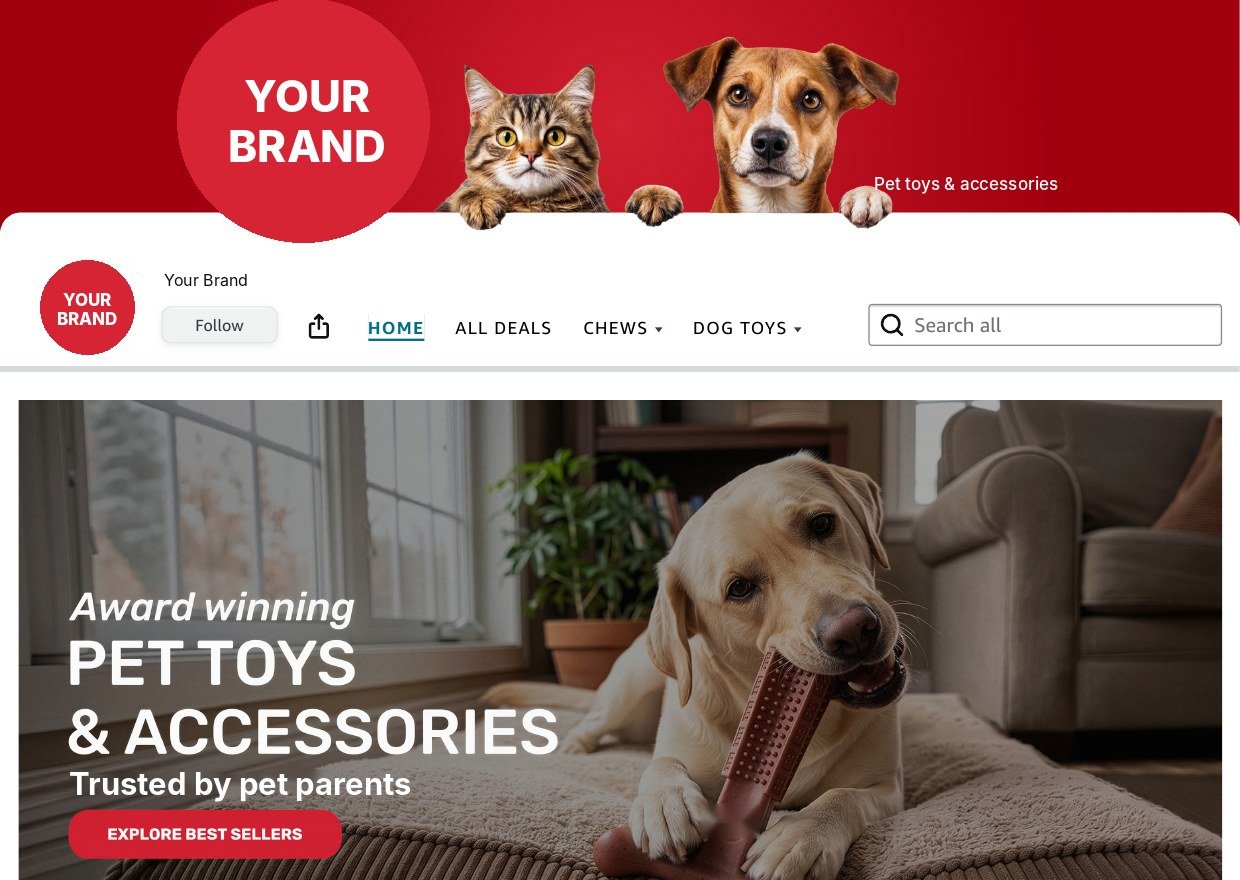
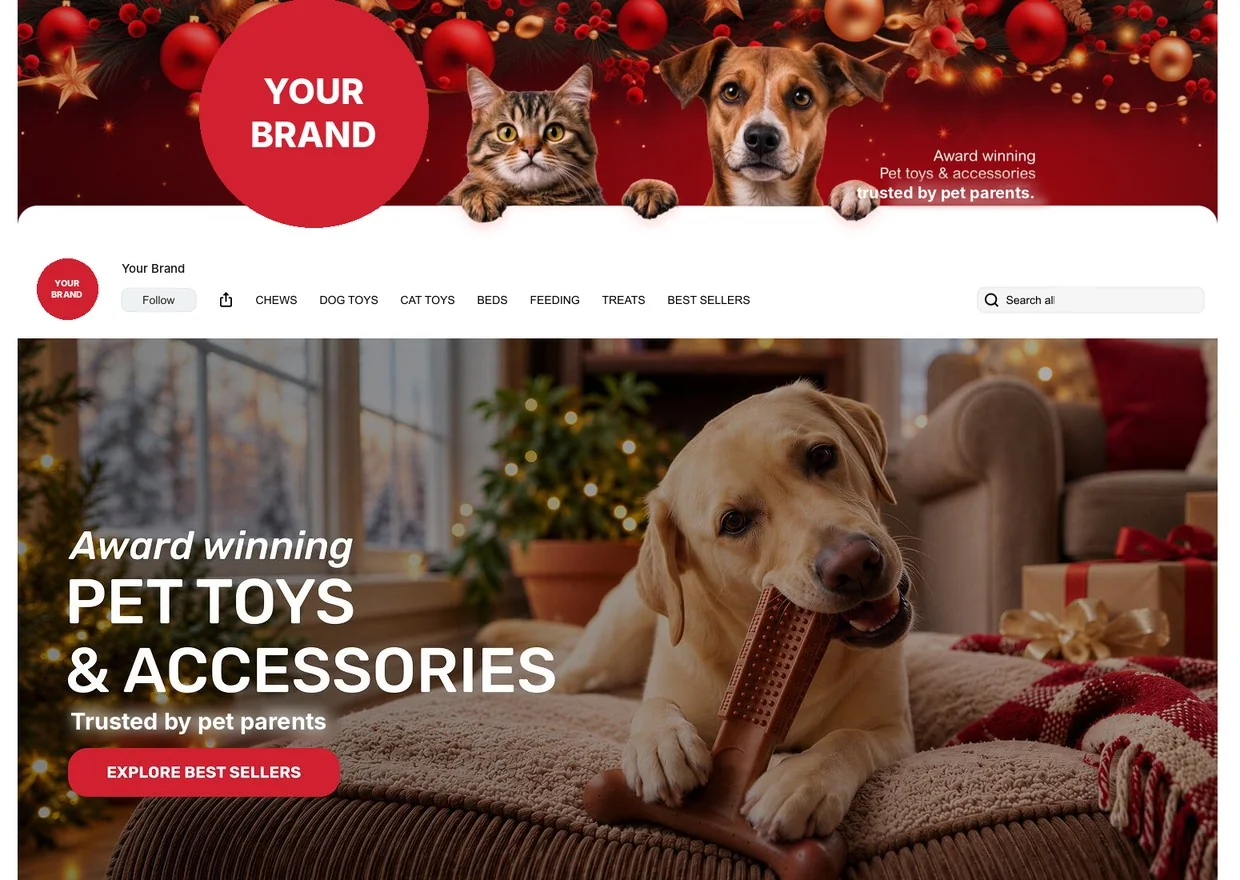
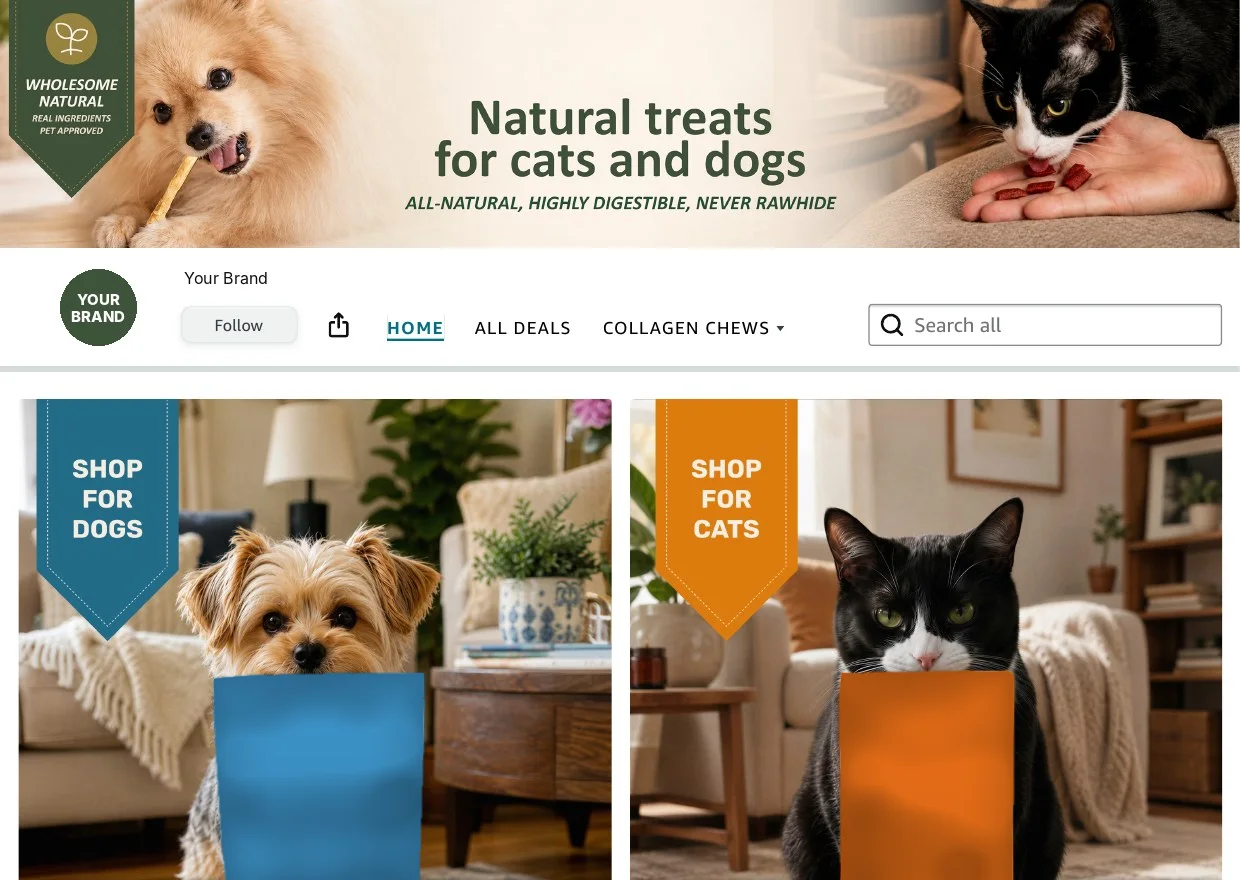
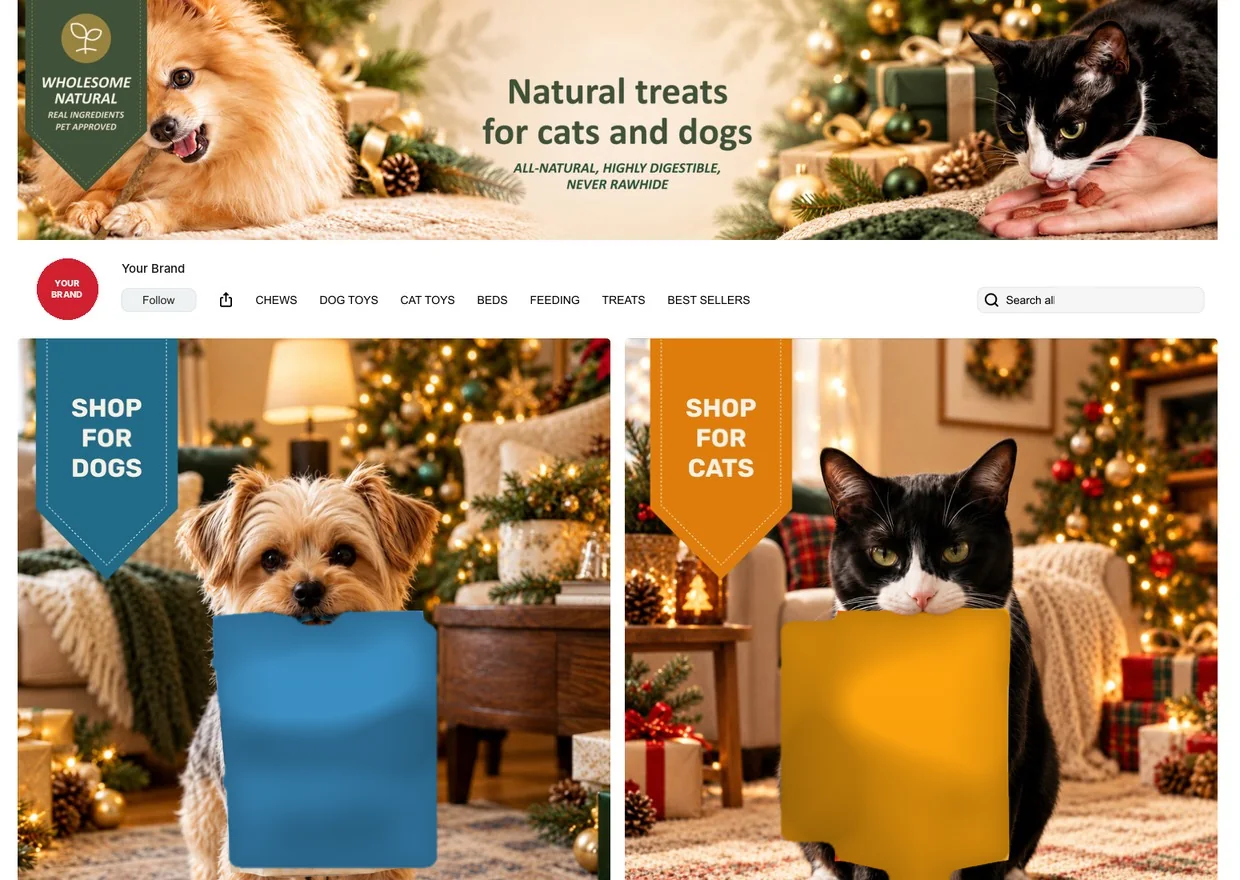
Both stores kept their structure and navigation. Only the imagery changed.
When to submit
Every store change goes through Amazon’s review before it goes live, and Q4 is the busiest time of year for that queue. Submit well before the date you need it live, and keep the evergreen version saved so you can switch back in January without starting over.
A simple timeline
- Six to eight weeks before the peak: plan the hero, the tiles and the bundles, and order any new images.
- Four weeks before: build the holiday version and submit it for review.
- Two weeks before: check that it is live on desktop and mobile, and that every tile links to products that are in stock.
- After the holidays: switch back to the saved evergreen version and compare the numbers.
Common mistakes
- Changing every page. More pages in review means more risk of a delay.
- Tiles that point to products that sell out in the first week of December.
- A festive hero that hides what the brand actually sells.
- Forgetting to switch back in January, so the store still says Happy Holidays in February.
How to know it worked
Store Insights shows visitors, page views per visitor, dwell time, bounce rate and attributed sales. Compare the holiday weeks to the weeks before. On a pet toys store we rebuilt this year, shoppers stay 91 seconds on average, against 57 seconds on similar stores, and only 9% leave after the first page. Those are the numbers to protect when the holiday version goes live.
We manage this for youCreative, SEO & GEOListing images, A+ content and brand stores that sell, plus SEO and GEO so shoppers find you in Amazon search, on Google and in AI answers.See the serviceFAQ
When should I update my Amazon store for the holidays?
Submit it about four weeks before you need it live. Store reviews take longer in Q4 than the rest of the year.
Do I need a separate holiday store?
No. Update the home page and keep the evergreen version saved, so you can switch back in January without rebuilding anything.
Reviewed by Katarina
Start with a free check.
Send us your top products. We review images, A+, your brand store and how you show up in Amazon search, on Google and in AI answers, and send back what to fix first.